

See what a Flourish for Schools session looks like
What would it look like to run a Flourish session with your staff? This preview takes you inside one part of the program. You’ll see a short extract from the video, the guide you use to lead the session, the handout staff use to reflect and put the ideas into practice, and a glimpse into the online learning school!
Start with the video
2-minute preview · Module 2, Part A
Every part of every module is built around a 12–14 minute video led by Dr Adam Fraser. You watch it together as a staff, pausing at key moments to reflect, discuss or complete an activity. The video provides the structure for the session, and the Leader’s Guide shows you when to pause and how to guide what happens next.
In this preview, Adam asks staff to pause and discuss in pairs what they put into practice after Module 1 and what difference it made. He then introduces the focus of this session: how we manage our attention when there’s a lot competing for it. Watch the first two minutes to see how the video introduces the learning and cues the conversation you’ll lead with your staff.
What you’ll use to lead the session
The Leader’s Guide gives you a plan to work from. It shows you what to prepare, how much time to allow and how to guide the conversation with your staff.
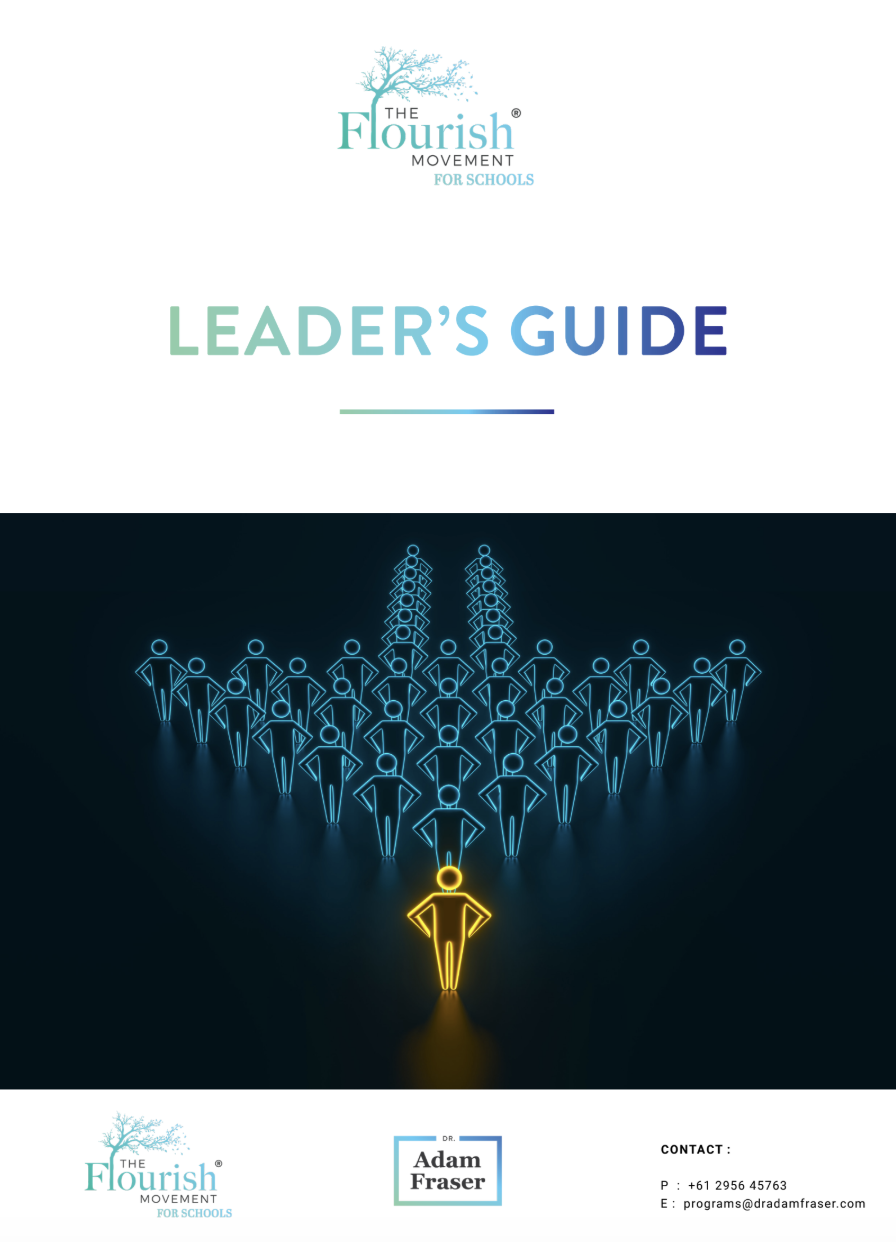
The Leader’s Guide
This is the guide you’ll work from as the facilitator. It brings the session plans and facilitation notes together in one place.
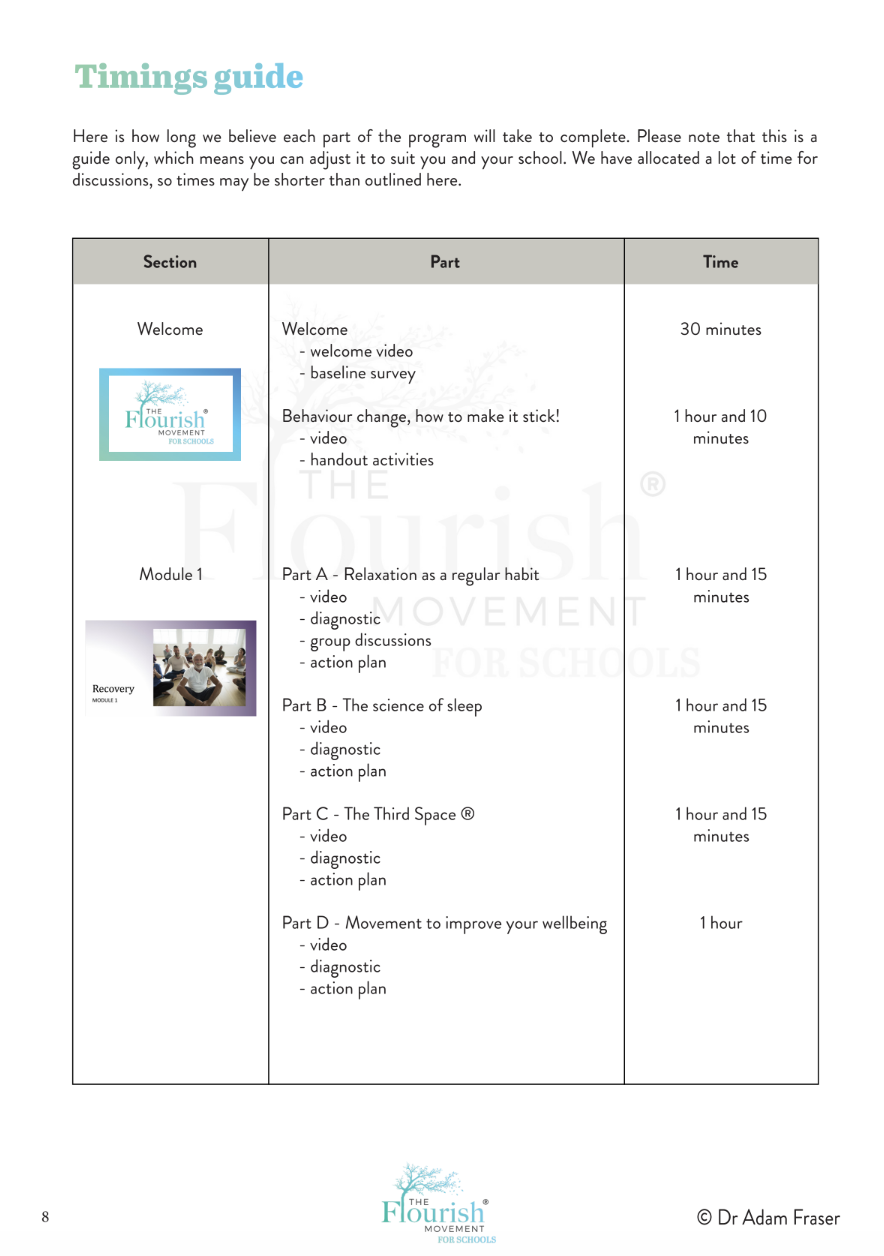
The Timings Guide
See the suggested timings for each session so you can plan how it will fit into a staff meeting or professional learning day.
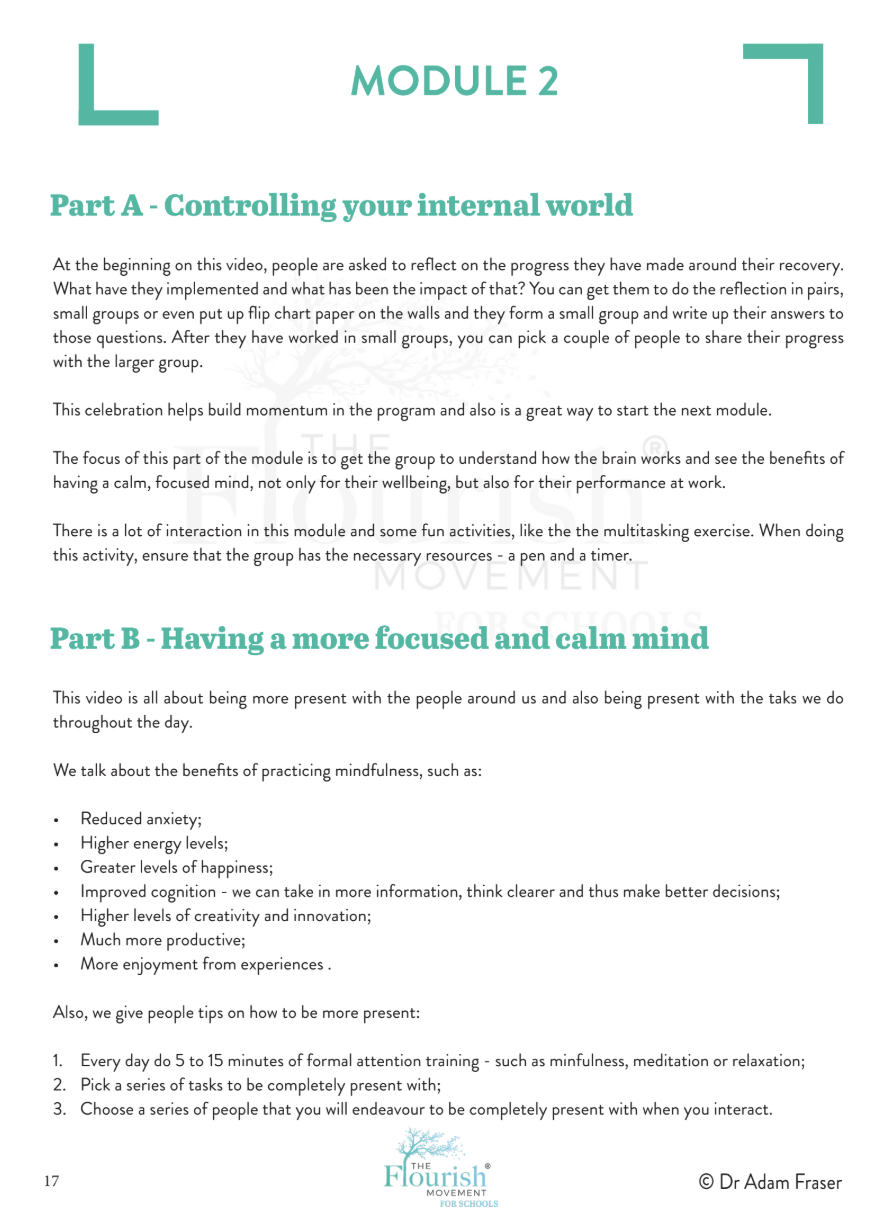
The Plan
See how this part is laid out for you, from what to prepare and when to play video through to the questions and activities you’ll work through with staff.
What your staff will use
Each staff member has their own handout to use alongside the videos and discussion. Staff use it during the session to reflect on the video, record their own ideas and decide what they’ll try in their working day. While you use the Leader’s Guide to facilitate the conversation, staff have their own resource to work through and return to afterwards.
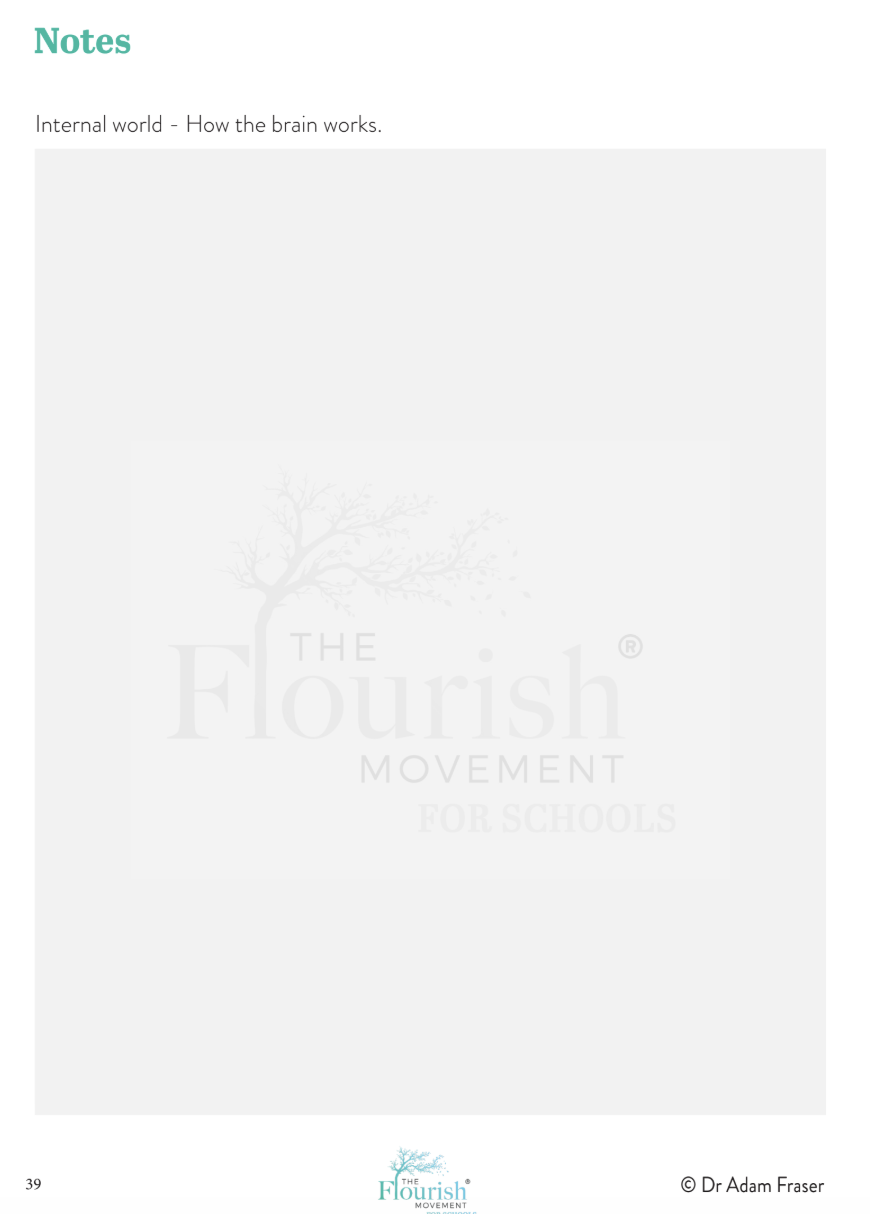
In this session, they have space to take notes as Dr Adam Fraser explains how we manage our attention. When he cues them to pause, they complete a short self-assessment and talk with colleagues about what tends to pull their focus away.
The sample pages below show what staff see in Module 2, Part A of Living Above the Chaos, from the notes page to the activity Adam introduces in the video.
Each staff member receives their own handout to use throughout the program.
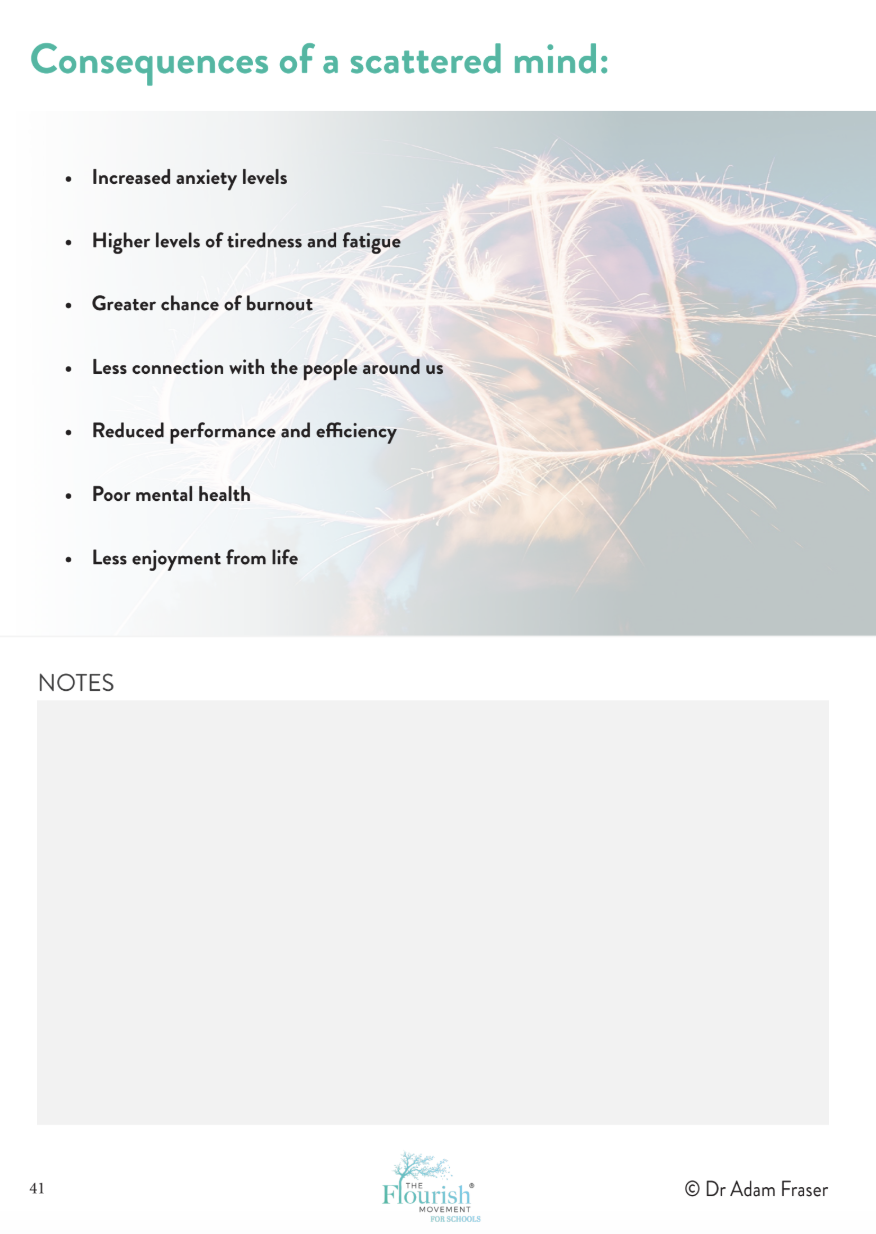
Staff consider how divided attention shows up in their working day and capture their reflections.
Staff use this page to jot down ideas as Adam explains how we manage our attention.
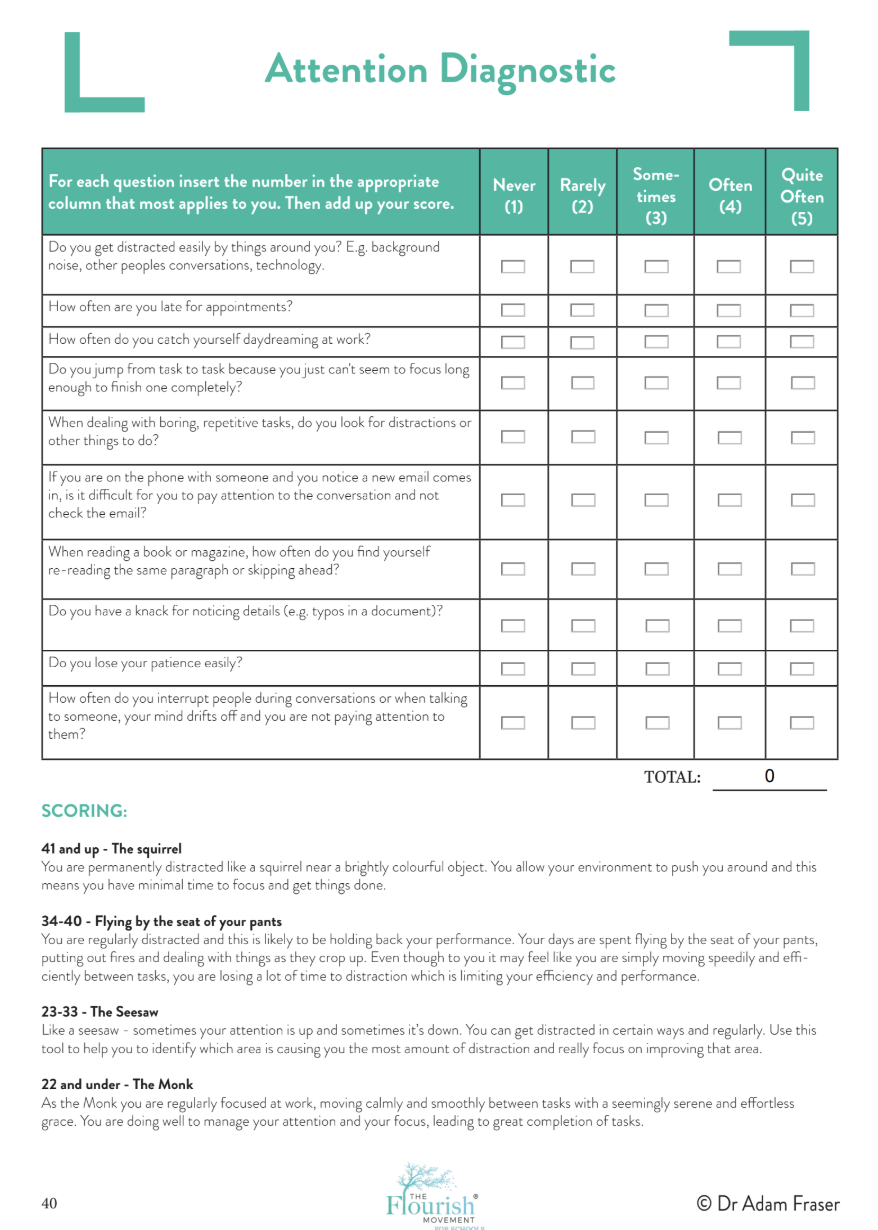
The video is paused and staff complete a short self-assessment and discuss what they noticed with colleagues.
Your school’s own online learning space
We set up an online school for your group, with individual logins for staff. Everyone can access the program materials and return to them as you work through the modules together.
Your school homepage
This is where staff land after signing in. It brings the modules and resources for your group together in one place.
Staff login
Each staff member signs in with their own login to access your school’s Flourish for Schools program.

Inside the course
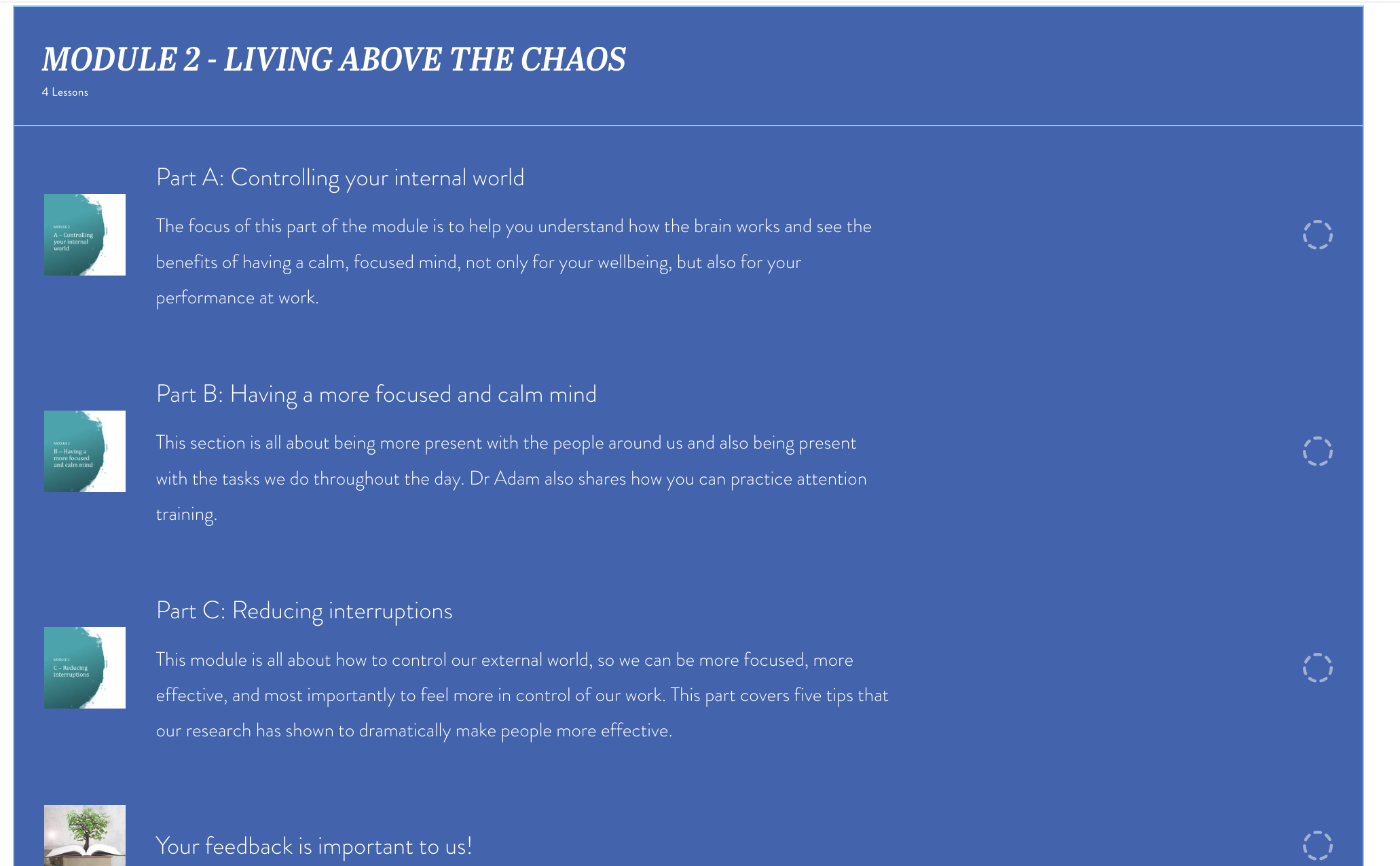
Once staff have signed in, they have access to the videos, activities and participant workbook all in one place. The course is organised by module, with each part listed in order so staff can see where they’re up to and what comes next.
When it’s time to run a session, open the relevant lesson, play the video and follow your Leader’s Guide for when to pause for discussion or an activity. Staff can sign back in to revisit the materials as you work through the program together.
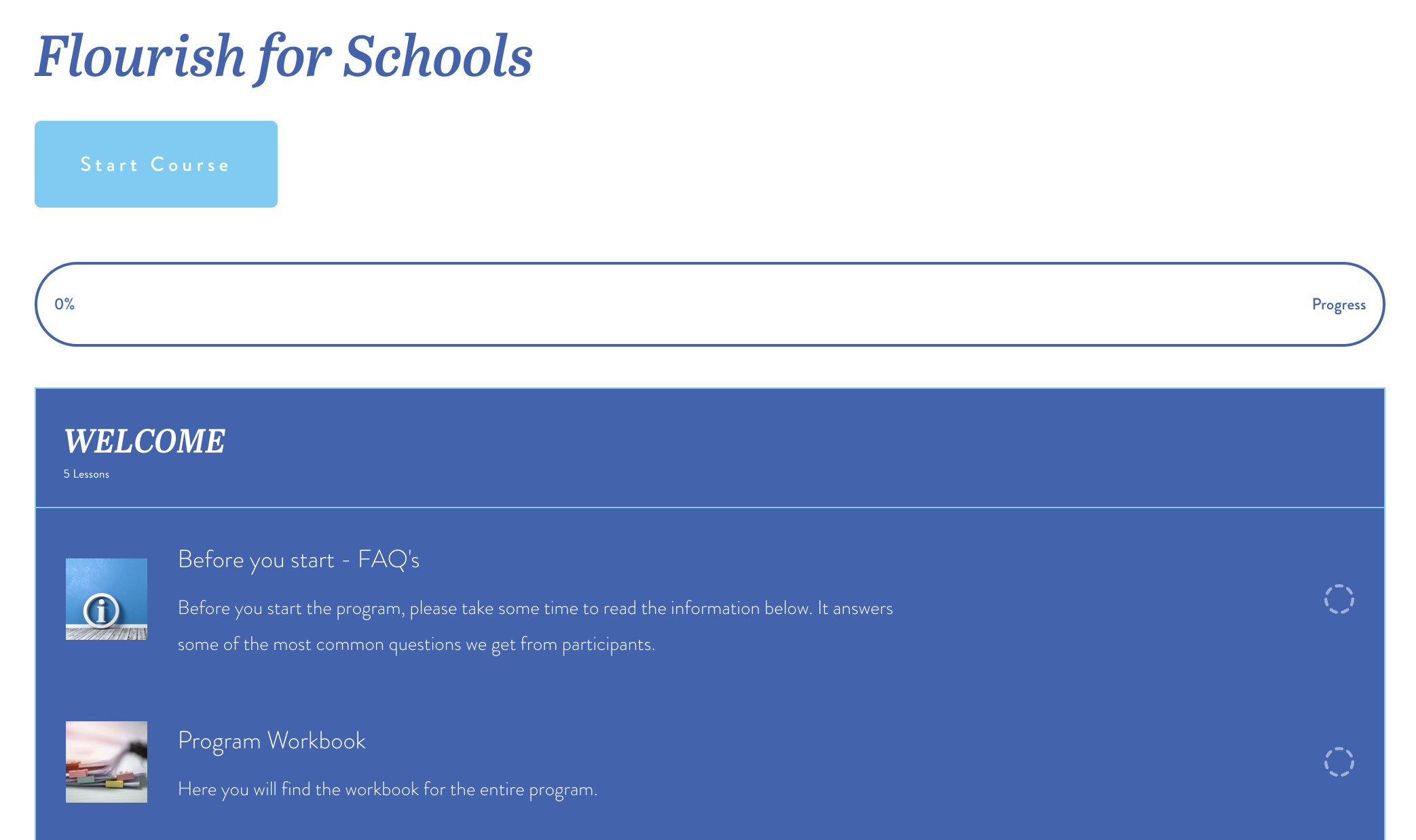
The Welcome section gives staff a clear starting point, with FAQs, the program workbook and a progress bar to show how far they’ve worked through the course.
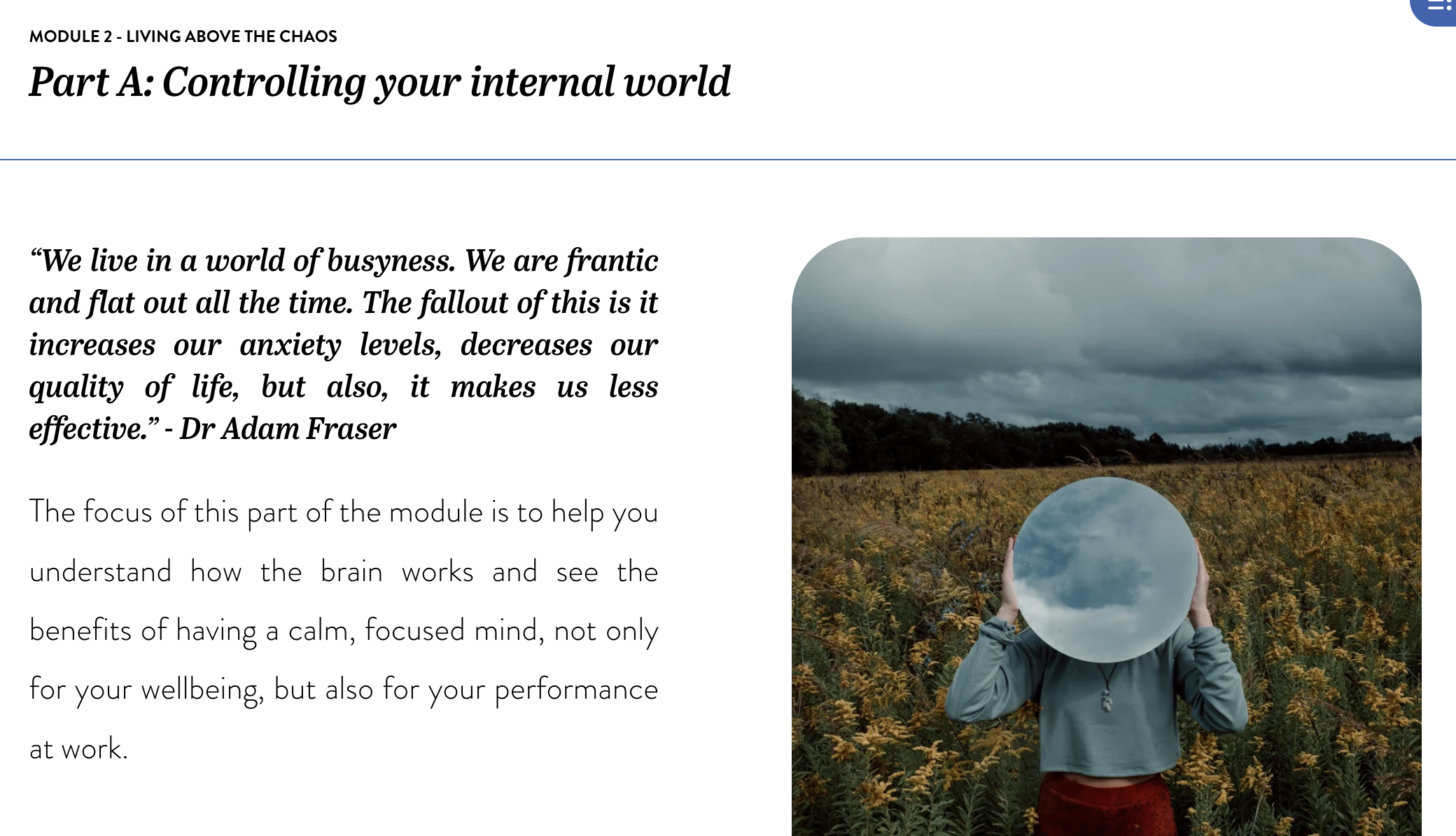
Each lesson has its own page. This is where staff see what the session covers and where you open the full video to watch together.
Each part is listed in order with a short description. Here you can see where the sample session, Controlling your internal world, fits within Module 2.
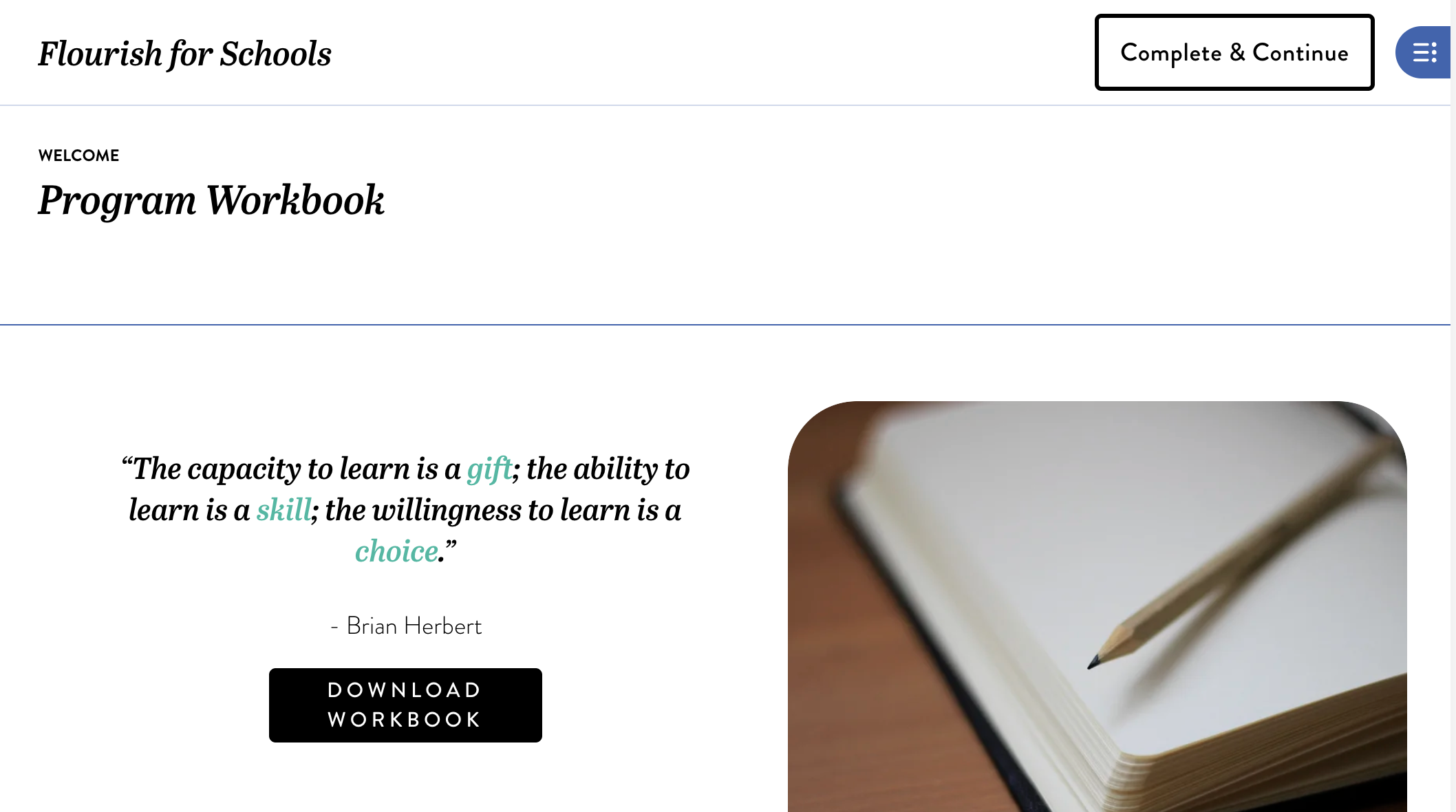
Staff can download the full workbook from the Welcome section. It’s the same resource the sample handout pages above are taken from.
Could you see this working with your staff?
We can talk through how Flourish for Schools could fit into your staff meetings or professional learning days, and what support you’ll have as the facilitator.